CAD: MECHANICAL KEYBOARD
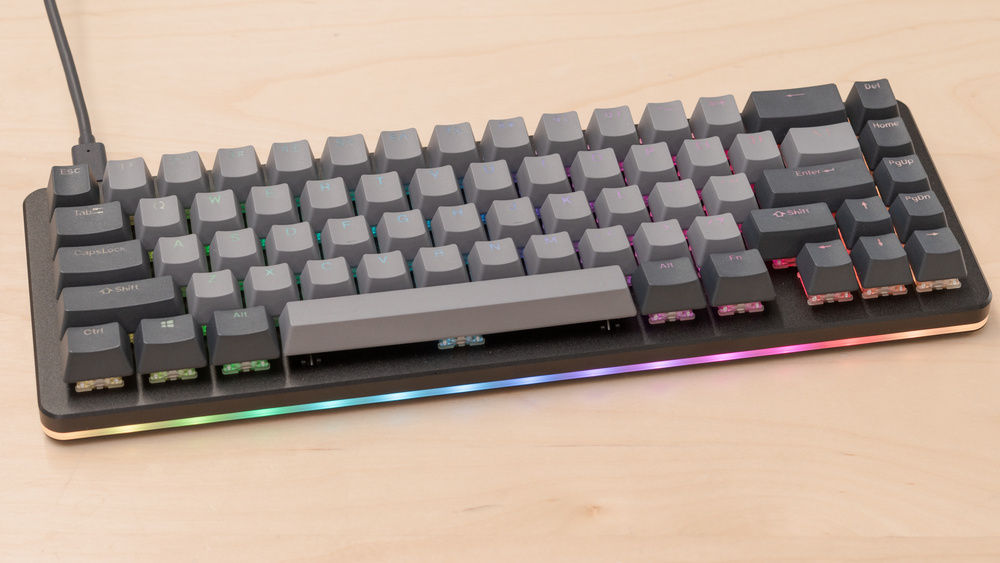
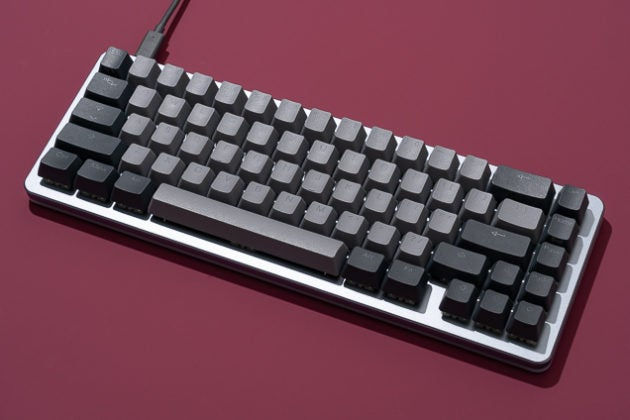
Drop Alt
Here is a side project of mine where I modeled a mechanical keyboard in SolidWorks. The keyboard I have modeled here is the Drop Alt. I love mechanical keyboards because of their varying ways to make your browsing, working, or gaming experience catered to feel exactly how you would want it to. With a keyboard being the centerpiece of a person’s desk, the vast customizable options for the look of a mechanical keyboard adds onto my love for them.
There are a few reasons why I decided to model the Drop Alt versus the many other options out there. First off, I believe the form factor of a 65% keyboard is the best mix of work and play. The addition of the arrow keys and extra delete and home key gets used constantly for things from spreadsheets to games. The slim profile of the aluminum case makes the typing feel sturdy compared to an all plastic build. The main reason I love the Drop Alt’s design is because of the exposed switches. It is a controversial look, but I love exposed mechanisms of any kind (i.e. when watch makers expose the inside mechanisms on the face).
I spent about 15 hours on this project thus far. I think the main challenge was getting the switch correct or at least as close as I could from just images. I would say that it is about 85% correct. I wanted to make it functional in the sense that if the key is pressed, the metal leaf inside would contact the other leaf to make a connection and it would in theory trigger a key press. However, I was not sure how to make parts flexible as that is something I will investigate. I did learn a great tool on this project: there is a feature called “Copy with Mates” that makes it easy to mate a copy of the same component to another location again and again and again. Next steps are to model the keys that are greater than 1u and some stabilizers for these keys.

DROP ALT PHOTOS

SCREENSHOTS


